Via options on your SuperAdmin menu you may maintain a master list of your products and product information which you may download to your selected locations. You can always update the product information on each location individually, but the master list download feature makes it easy to update your product information in multiple locations.
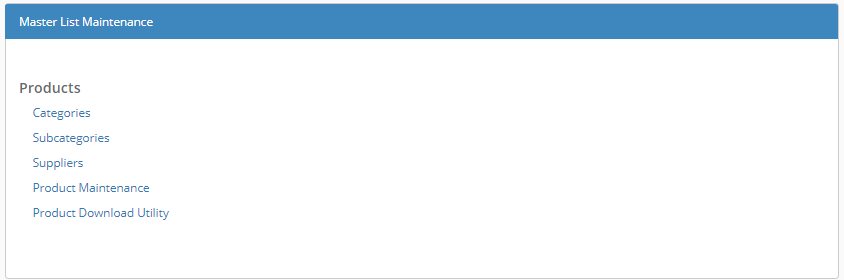
Products
Categories, Subcategories, Suppliers
You can maintain master lists of product categories, subcategories, and suppliers that your locations will be able to select from when they are entering products.
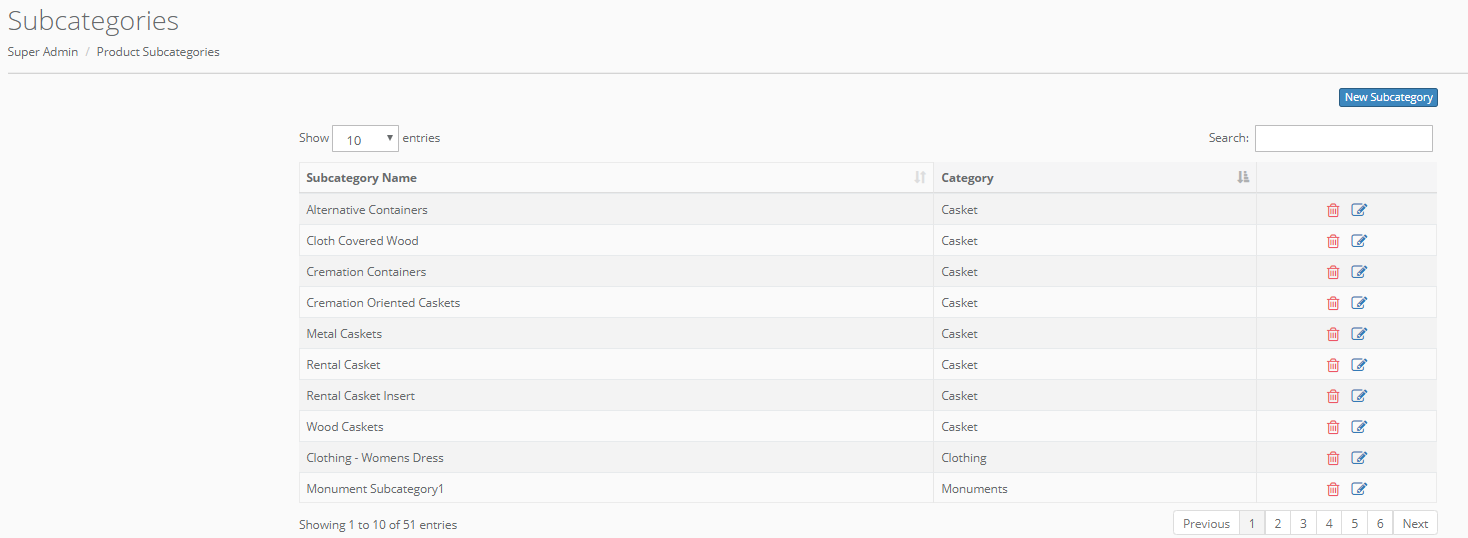 Click the edit icon (
  ) to edit existing information. Click "New Subcategory" or "Add Supplier" to add new subcategories or suppliers for your Products. Note that you are only editing your master list if you edit or delete an existing entry from these lists, it will not affect historical data and not affect information on any of your locations unless you download the information to a location. Also note, that the master list download feature will not delete information from a location. If you wish to delete information you must connect to that location and perform the deletion.
Product Maintenance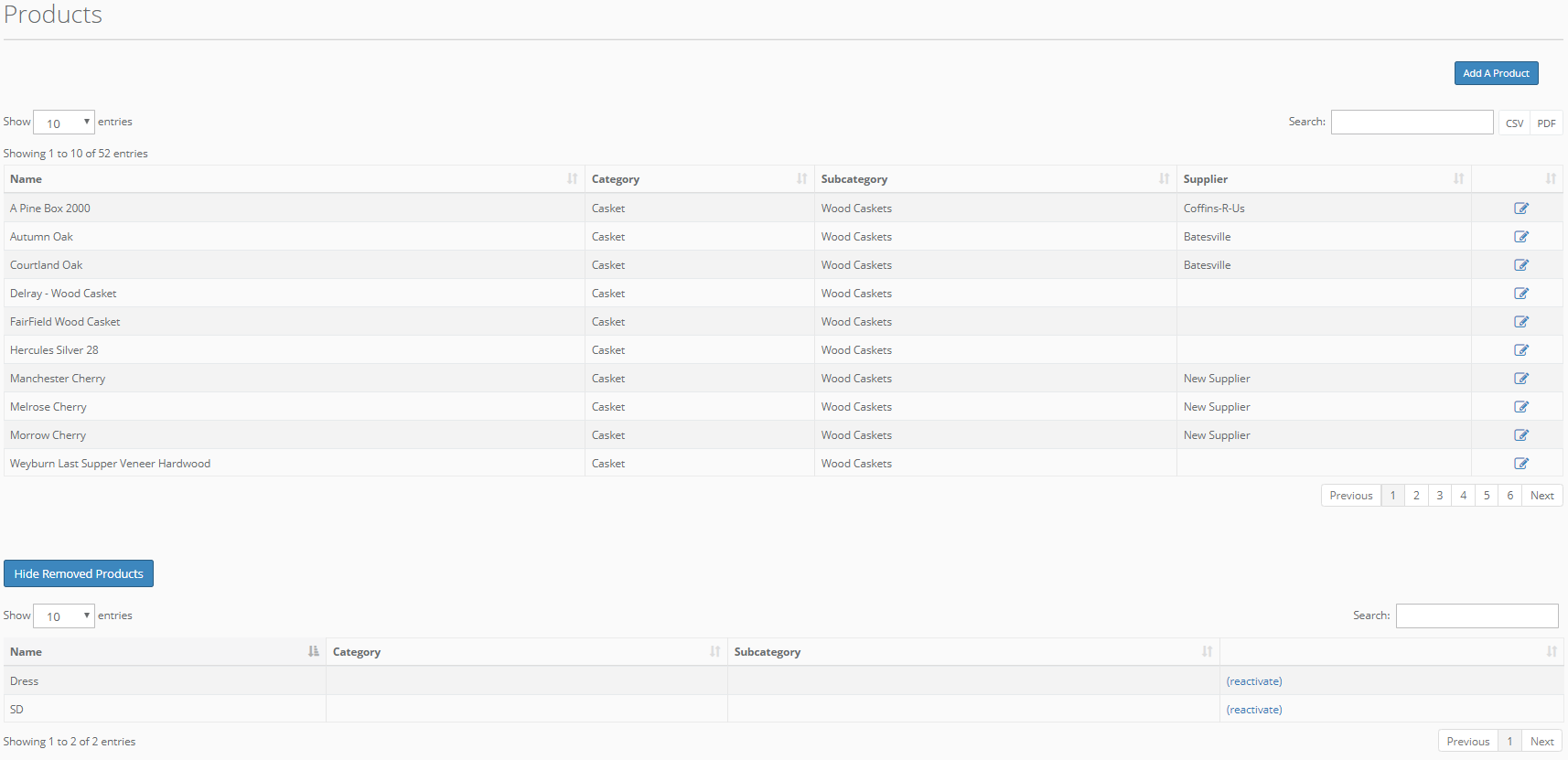
This option will allow you to maintain your master product list. Like with your categories, subcategories, and suppliers, editing existing information will not affect historical data. You can update the product's information or add new products for each location using the Product Download Utility (see below).
Product Download Utility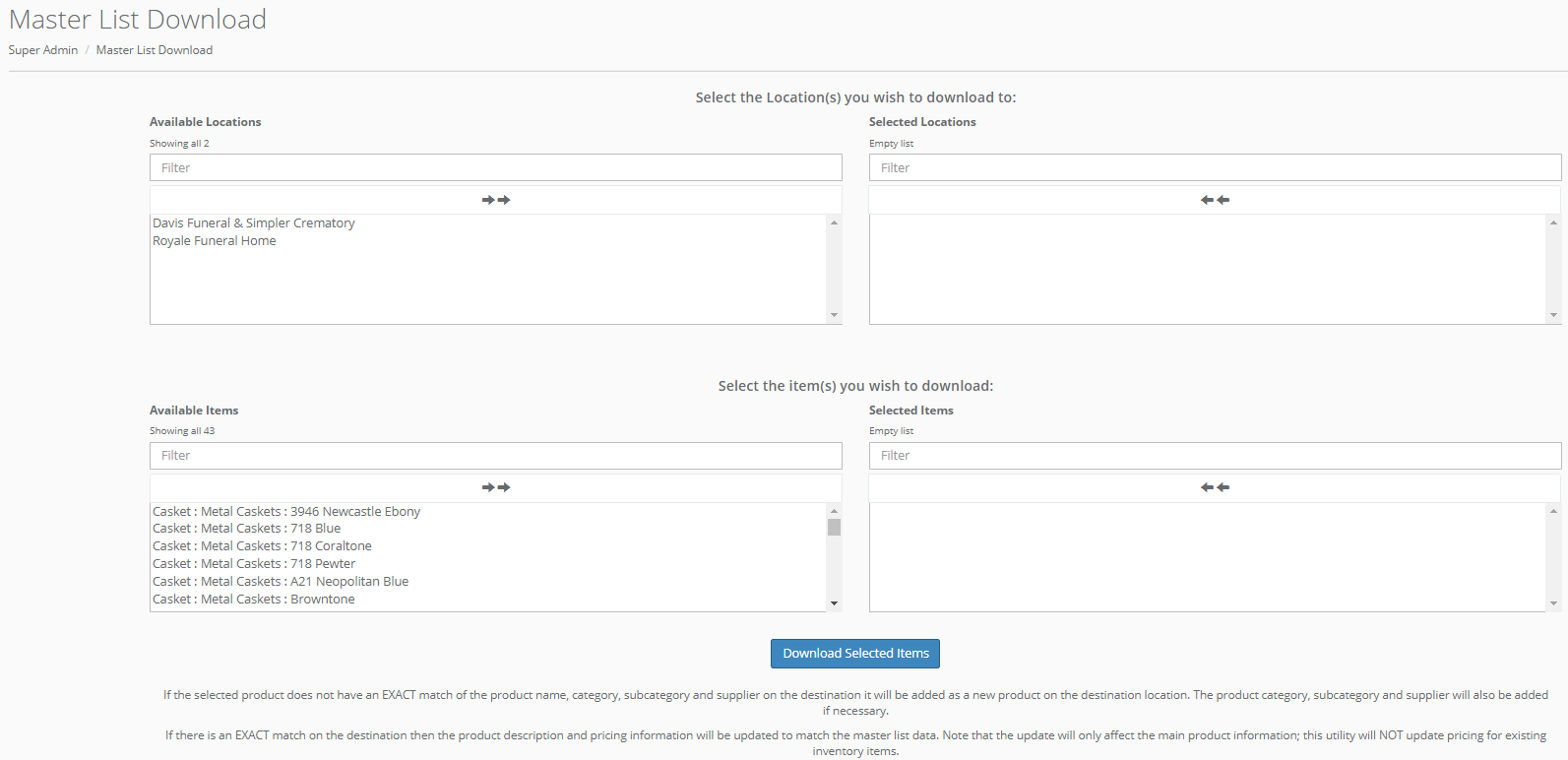
You can use this tool to send updated product information or new products to your locations. This will not affect historical data for previously sold items or existing inventory items on your location.
You will see a list of your locations at the top of this screen. Select which locations you want to download products to.
Then, select from your list of available items and click "Download Selected Items" to send this information to your selected locations.
If the selected product does not have an EXACT match of the product name, category, subcategory and supplier on the destination it will be added as a new product on the destination location. The product category, subcategory and supplier will also be added if necessary.
If there is an EXACT match on the destination then the product description and pricing information will be updated to match the master list data.
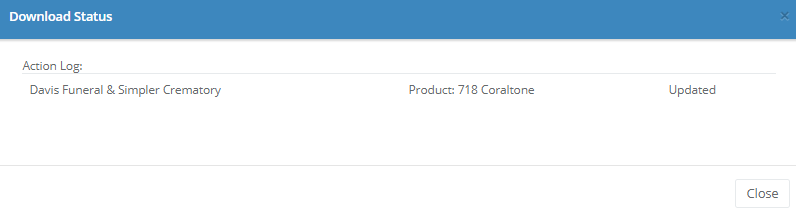
You will be asked to confirm your download request, and you will receive a notification of which products (and/or suppliers/categories/subcategories, where necessary) were uploaded/updated.
Comments
0 comments
Please sign in to leave a comment.