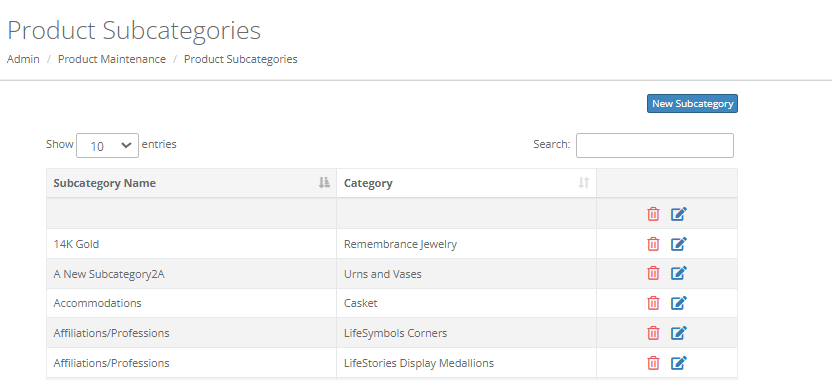
Subcategories are sections within your categories for you to create products in. Once you have your subcategories set up and products in them, you'll be able to use them on the Purchases tab for a case.
Select “New Subcategory” to create a new subcategory. Select which category you would like to assign your subcategory to from the drop down menu. Type in your subcategory name, then click “Save”.
Click the trash can icon to delete an existing subcategory, and click the edit icon to edit.
Comments
0 comments
Please sign in to leave a comment.