You can setup the functionality to transfer inventoried items across multiple locations where you have SuperAdmin rights. When this function is available you will see the link at Admin> Product Maintenance > Inventory Transfer Locations"
Clicking the link will show all of your current locations and the transfer status for each. The image below depicts the situation when the superadmin has made the connection between the current location and Location 1. A connection between the current location and Location 2 has not been established.
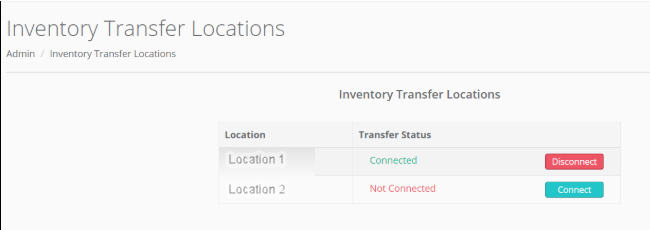
There are three inventory transfer statuses: Connected, Not Connected and Pending Reciprocation. Connected and Not Connected indicate whether the location is set up for inventory transfer. Both locations must have allowed access to each other before inventory can be transferred between the locations. Pending Reciprocation means that "this" location has requested an connection but the "other" location has not accepted the connection yet.
You may enable or disable transfers between locations at any time without affecting your previous transfers.
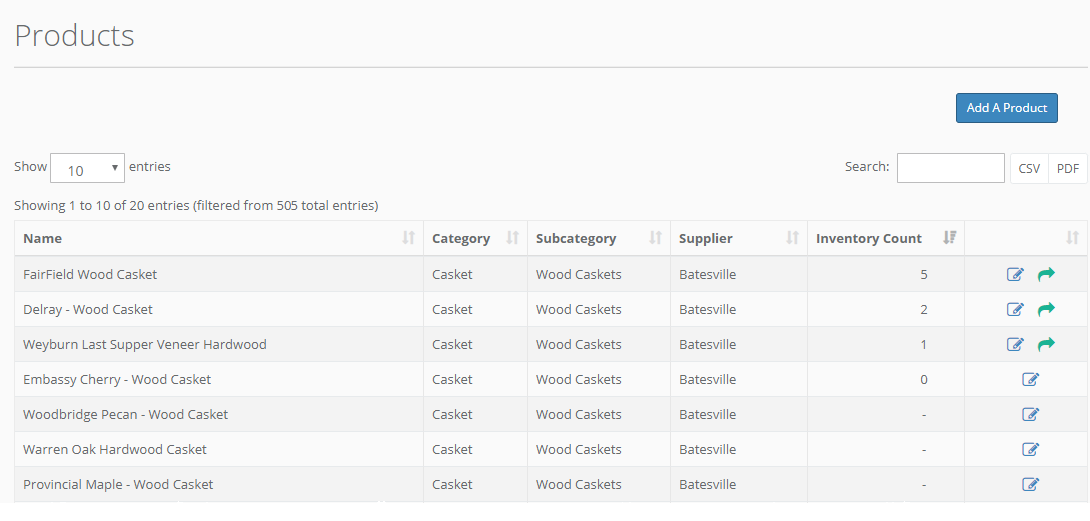
If a site has at least one connection to another location, a green arrow indicating the inventory transfer option on the Product List screen will appear. Please see the documentation regarding Inventory Transfers in the Products section for details on transferring inventory.
Comments
0 comments
Article is closed for comments.