ID Numbering schemes are maintained separately for different case types. To change the numbering scheme for a case type, first select it from the dropdown menu. Then select between manually or automatic (auto-incremented) numbers. Some crematories prefer to use manual numbering so they can use the cremation disk ID as their case number.
If you select the automatic case numbering option, you can enter an optional prefix/suffix, as well as the number of digits for your ID numbers for your numbering scheme. Enter the number for your next case ID and click "Update" to save changes.
Special note for multi-branch/servicing location customers: If your funeral home or crematory is configured for multi-branch/servicing location and you have set your numbering scheme to be "Unique" you will also select the servicing location for your automatic case numbering scheme. This will allow you to define a unique numbering scheme for each location. If your auto numbering type is set to "Global", the same numbering scheme will be used for all your locations. See the article at Multi-Branch Case Numbering for more information.
For case types set for Automatic, the next case number will be automatically assigned when you add a new case.

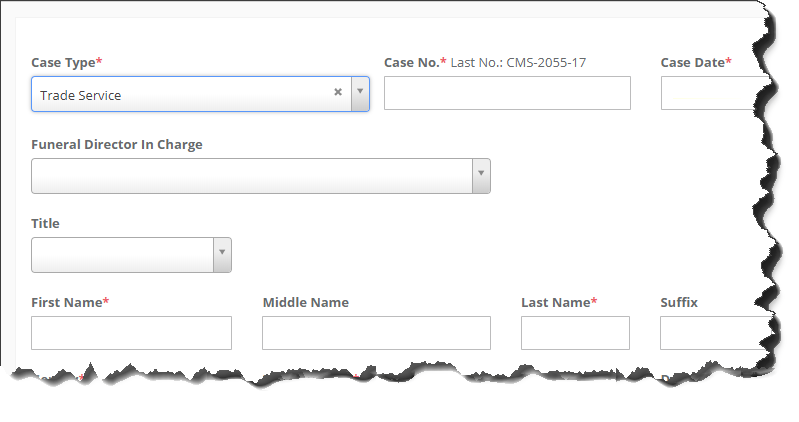
For case type that have been set for manual entry, the last case number used will be displayed above the case number field.
Comments
0 comments
Please sign in to leave a comment.