The List Pricing section under the Admin>Financial Maintenance allows Administrator level users to set default prices and notes on any of your "static" contract line items. Depending on your business, options will allow you to maintain list pricing for contracts, trade cremations, and pet services.
This feature is useful for single or a la carte selections. (To define pricing groups which fill multiple line items on a contract with one click, go to Admin>Financial Maintenance>Price Groups).
When an item has a default price set on this screen, the user will see a cart icon next to that item on the Cases>Purchases screen. When the item is clicked, the charges and notes from this screen will appear.
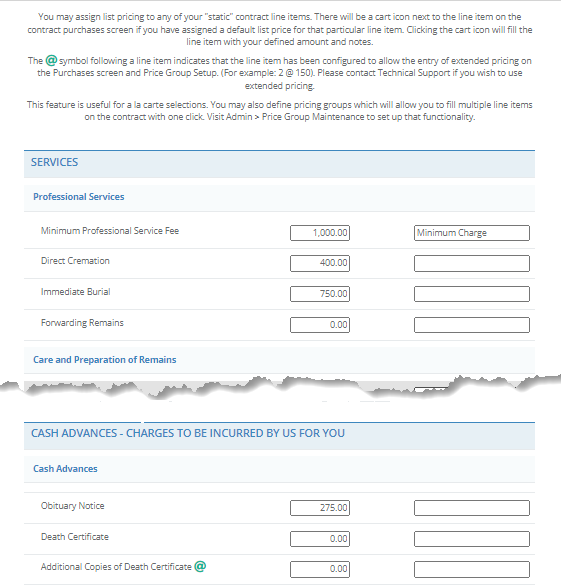
To change list pricing, simply type in the desired list price in the appropriate text box. You can add notes that appear with these line items. Click the Save button to save your changes.
Comments
0 comments
Please sign in to leave a comment.