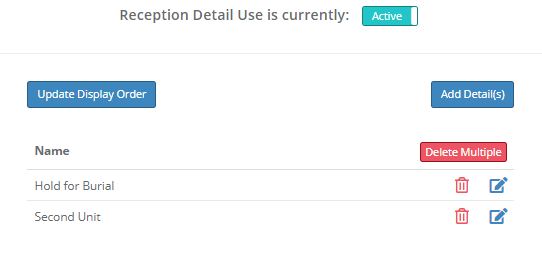
If you use cremation body tracking you may wish to add a short detail to your bodies in the first/reception step. If you activate this option you will be able to assign a detail from your entered list when you add a case. One use could be to designate locations within reception if you have a large number of bodies in reception. Another purpose could be to note any special reception status for a case.
Set the toggle value to Inactive if you do not need to use this function.
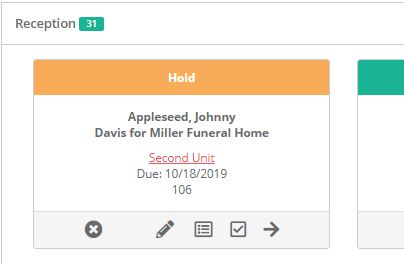
The detail you select will be visible on the tracking screen.
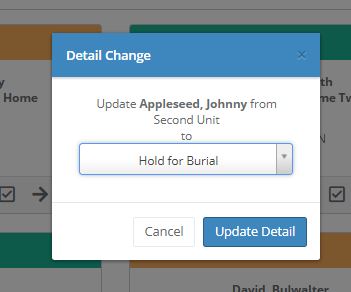
You can change the detail value by clicking the text and choosing a new selection.
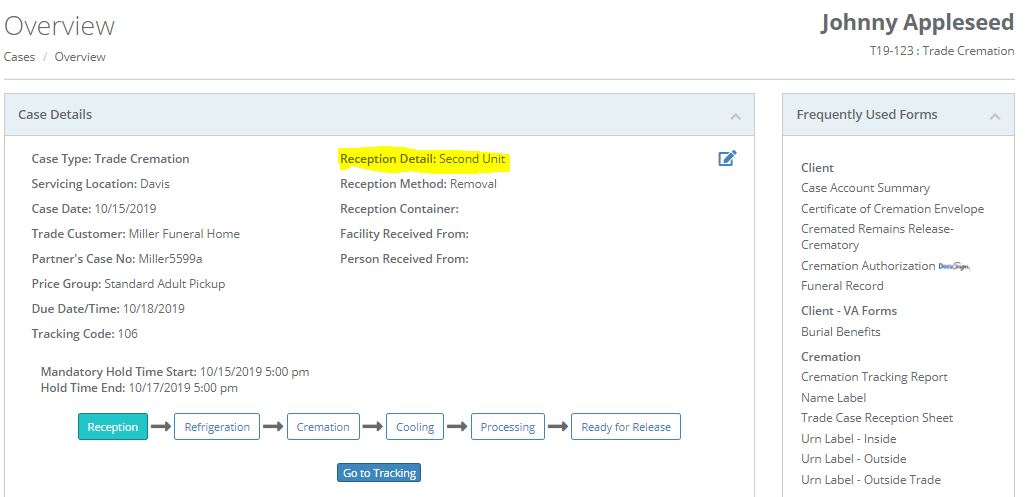
The detail will only appear on the tracking screen when the case is in the first/reception step; however, it will always appear on the Overview screen.
Comments
0 comments
Please sign in to leave a comment.