Administrator level users create and maintain messages to display on a partner's portal Dashboard. Each partner can have their own unique message.
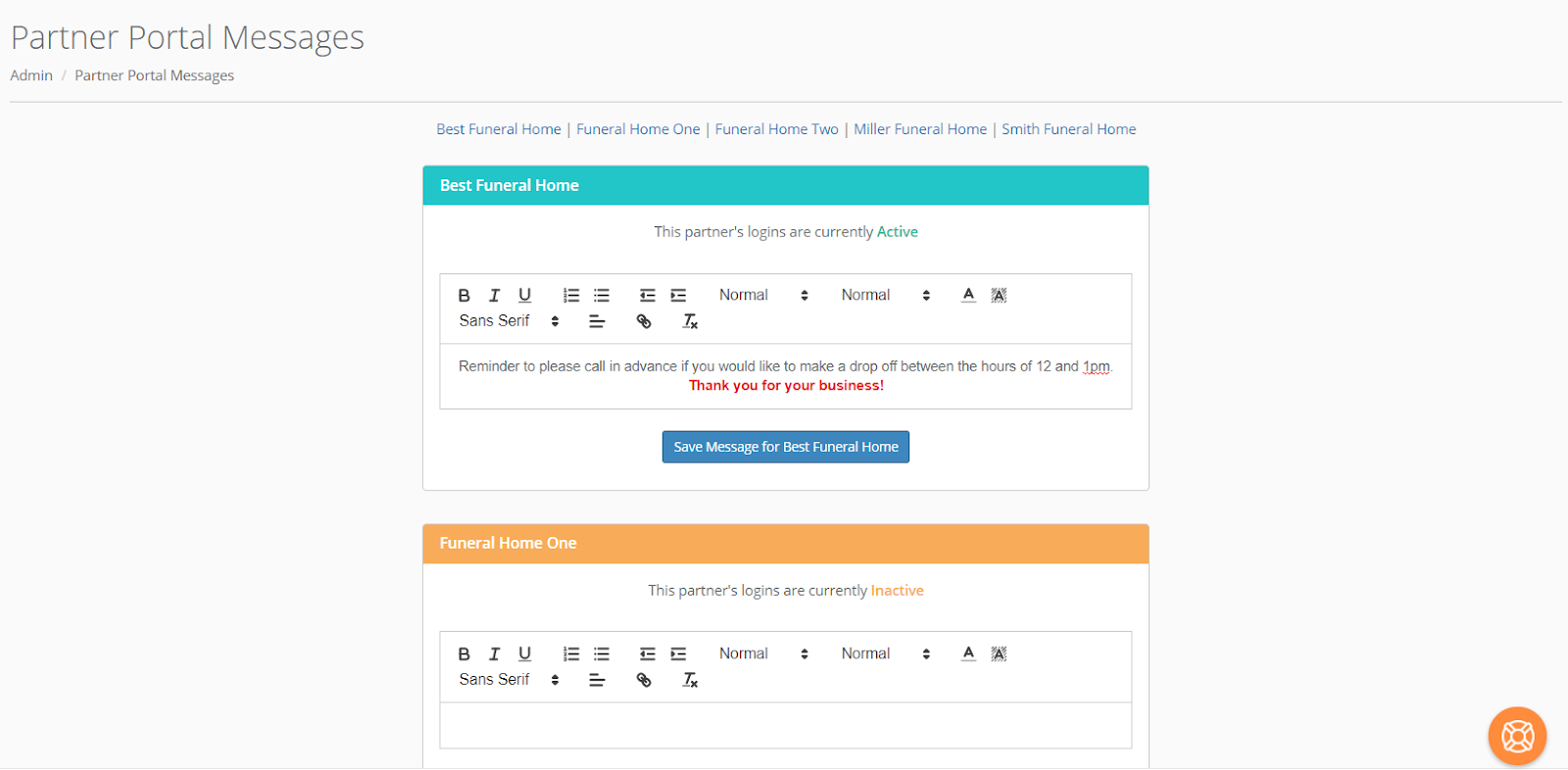
You may update each Partner's message individually or click the red "Message Maintenance for All Active Partners" button to update all the currently Active partners at one time. (Each Partners Active/Inactive status is maintained via Admin > Associated Facilities Maintenance > Partner Portal > Partner Portal Access.)
A new edit panel will appear when you click the red "Message Maintenance for All Active Partners" button.
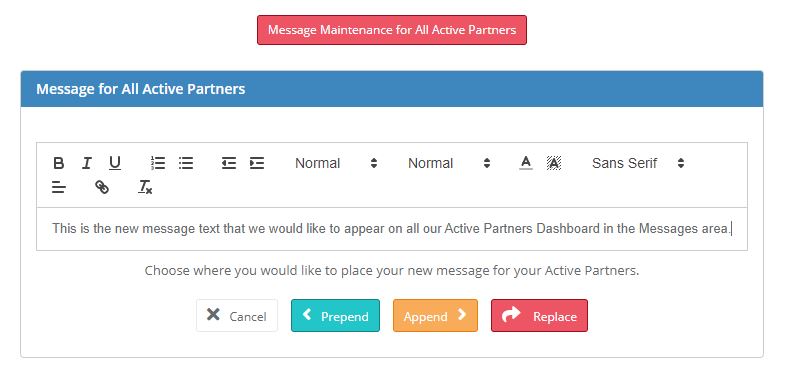
You may prepend or append your message to the current message for each active partner or replace the message on each partner's portal.
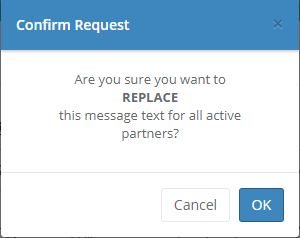
After you choose an action you will be given the opportunity to confirm your request before changes are made.
Comments
0 comments
Please sign in to leave a comment.