If you are using the Chrome browser and experience trouble moving a decedent from one tracking step to another due to an error reading:
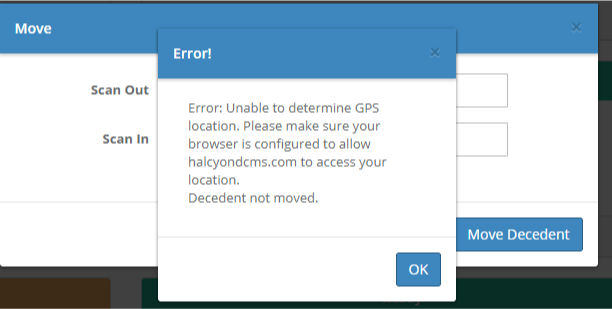
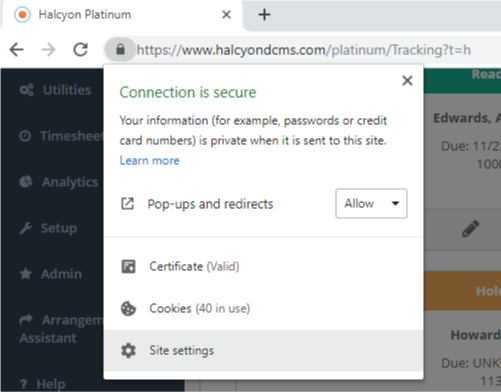
You may receive this error because Halcyon Platinum has not been granted access to your location. You can change this setting and fix this error by clicking the padlock button in the left of the address bar and selecting "Site settings" (see below).
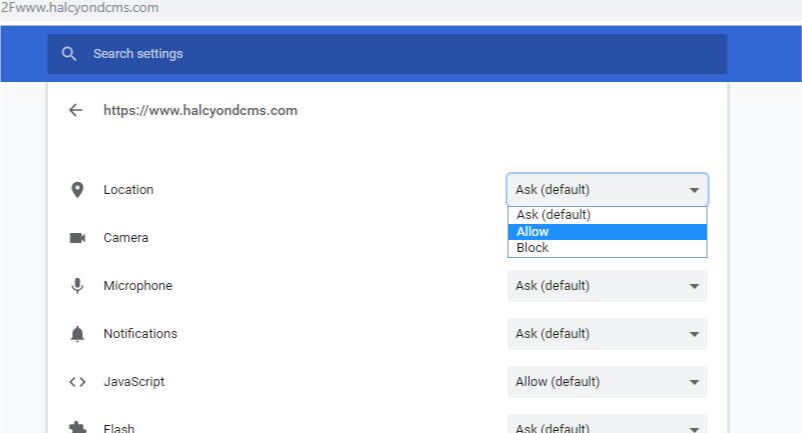
Click "Allow" to always allow Halcyon Platinum to access your location and prevent this error message from appearing again.
Comments
0 comments
Please sign in to leave a comment.