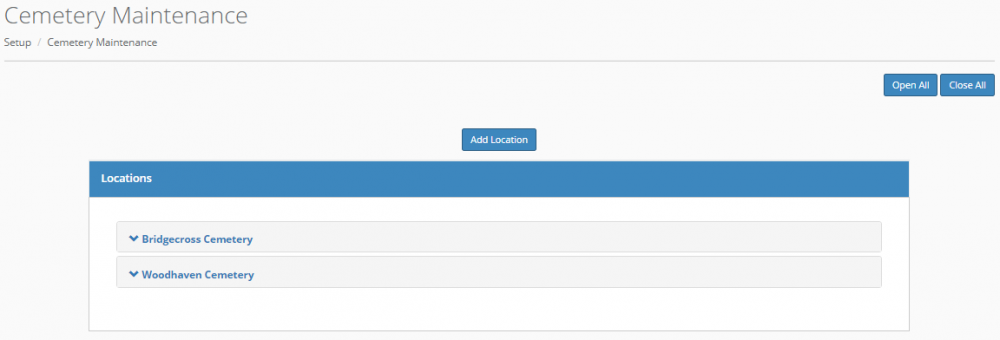
You can add, edit, or delete information on locations such as Cemeteries, Crematories, Places of Death, Places of Service, and Reception Location from Setup > Locations area.
You can click the name of an existing location to view the information for that location, as well as edit or delete the location.
Click the trash can icon to delete a location, and click the edit button to edit it. To display the information for all locations, select "Open All". To close the detailed information windows and display only the names of your locations, select "Close All".
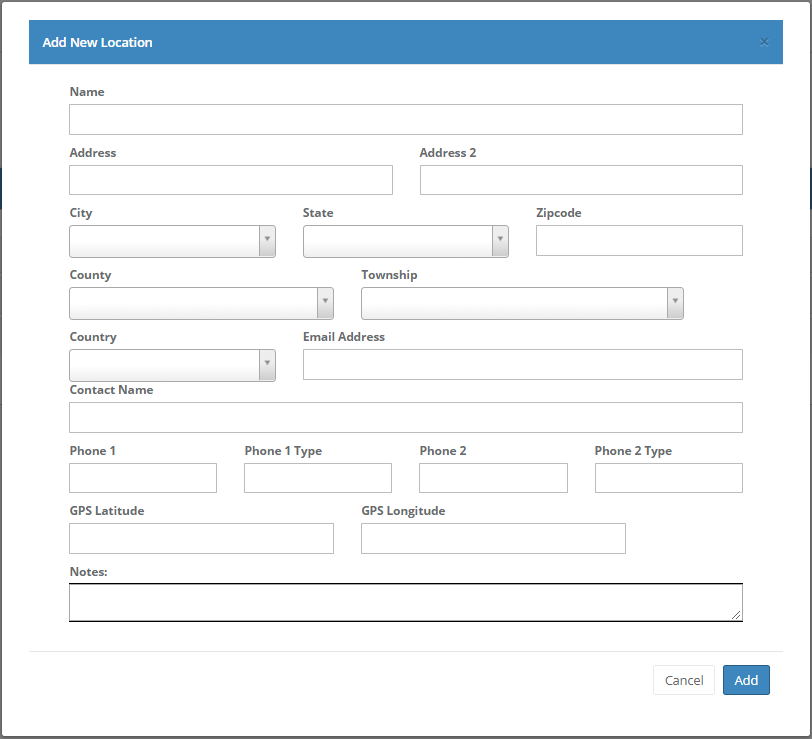
Select "Add Location" to add a new location. Then you will be taken to the following screen, where you can fill out the information for the location and select "Add" to add the new location.
Comments
0 comments
Please sign in to leave a comment.