There are a few steps needed to setup forms to be available for your vet clinics (or other trade partners).
Go to Setup > Forms Maintenance > Maintain Forms and Visibility. Use the search box to find the form you are interested in and select the checkbox under the column Partner Portal. See this related article for more information about enabling forms.
Then go to Admin > Associated Facilities Maintenance > Partner Portal > Partner Portal Access. Go to the specific vet clinic (or trade partner) for which you would like to make that form available.
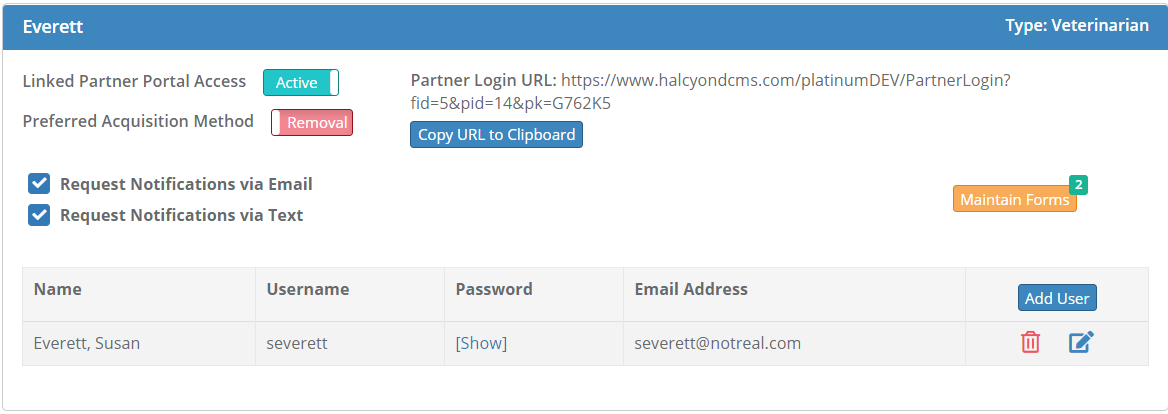
Hit the orange Maintain Forms button. Then chose which form you want to be available for that vet clinic.
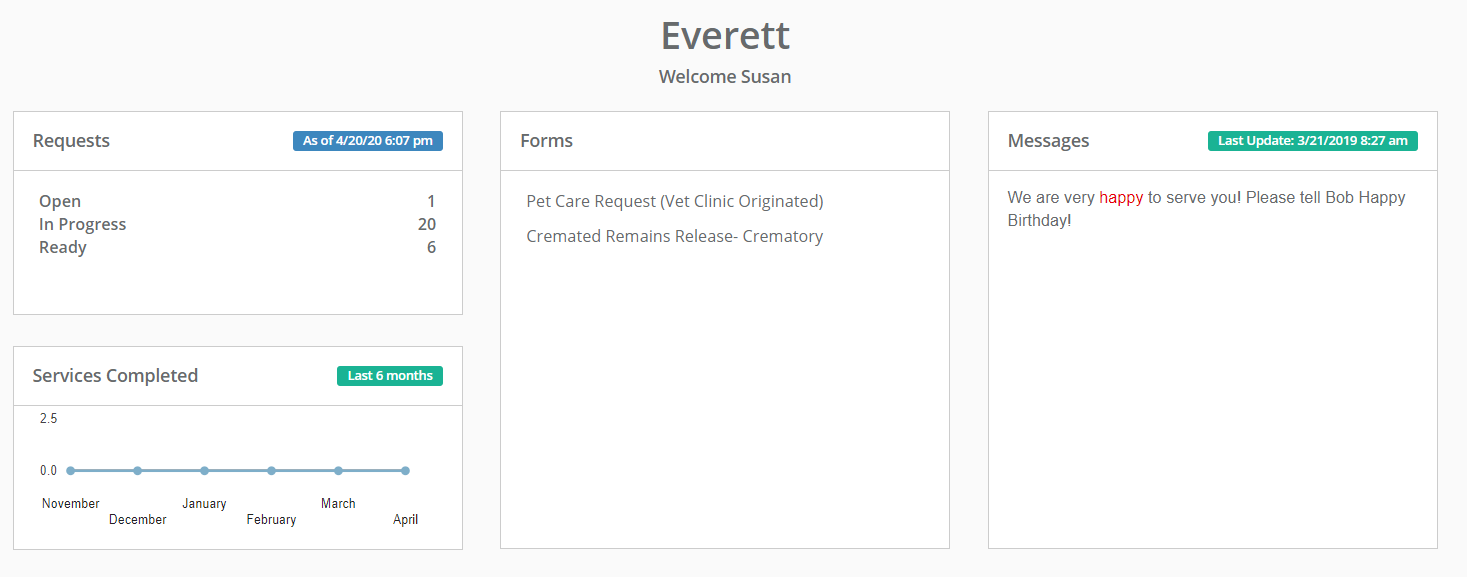
Then when your vet clinic logs into their portal they will see that form(s) available within the Forms section.
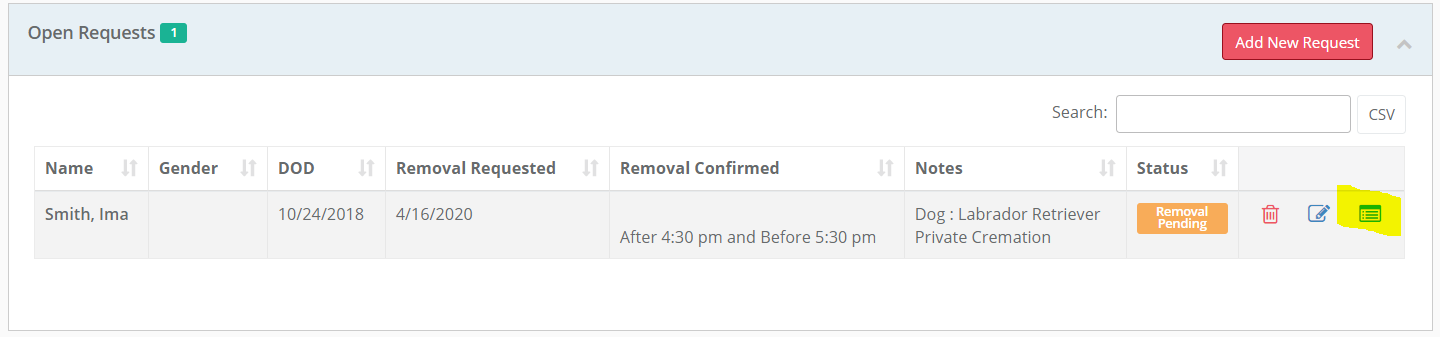
Note, if you want a copy of a form available from the vet clinic (trade partner) to go into the case. Then they can hit the files button with the Open Requests to add a form to go to you. They must do this before you log the request into your cases.
Comments
0 comments
Please sign in to leave a comment.