Answering Service for Directors
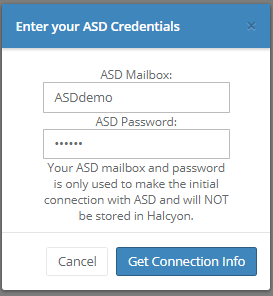
Administrator level users at a single-location business can initiate connection with Answering Service for Directors (ASD) at Admin>Integration Maintenance>Answering Service for Directors and entering the businesses' ASD credentials.
If your system handles multiple locations, contact techsupport@halcyondcms.com in order for us to initiate connection.
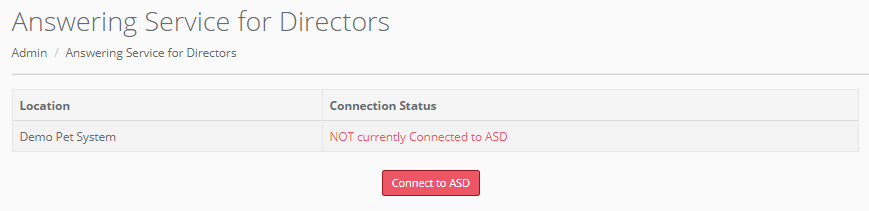
Once your connections have been set up, any future case event details will automatically be sent to ASD.
If your Halcyon system contains multiple locations, we will need to get your ASD username(s) and password(s) so we can hit the ASD endpoints and get your connection information. We can do this during your onboarding meeting or you can send your login information in a ticket. We only need this information once and we will not store it.
To get any first call details from ASD into Halcyon go to Utilities > Import ASD First Calls. Halcyon will prompt you for information needed.
Comments
0 comments
Please sign in to leave a comment.